How it works
Tap. Talk.
Listen.
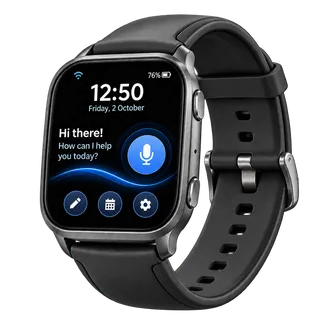
No app to install, no wake words, no menus to learn. Set it up once, and one button on your wrist starts a conversation with your AI assistant.
Three steps
-
Step 1: Wear It
Connect your olacompanion to Wi-Fi and link it to your account with a 6-digit code.
-
Step 2: Talk Naturally
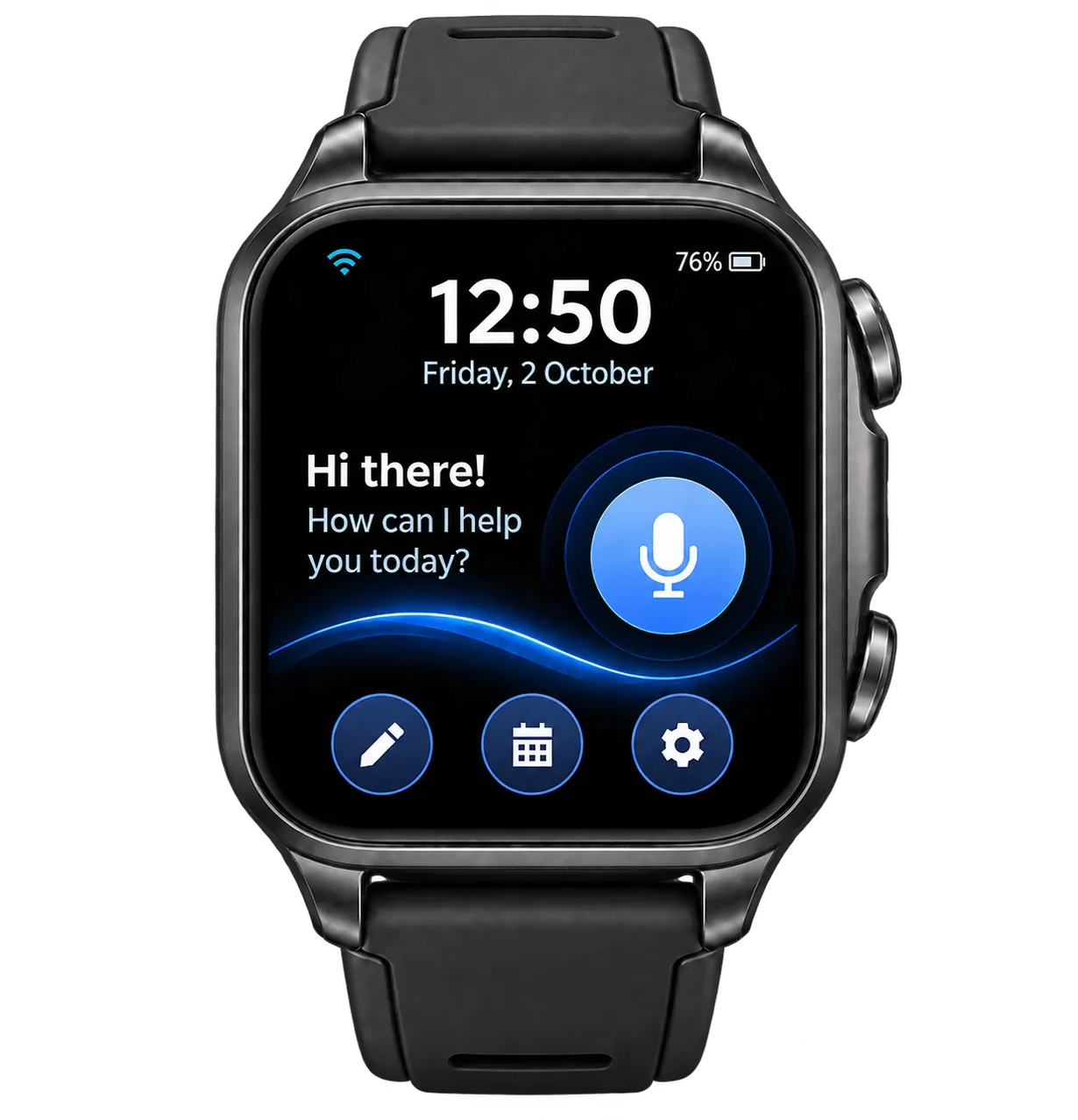
Tap the mic and ask a question, set a reminder or dictate a note.
-
Step 3: Get Things Done
olacompanion answers out loud, in your language, right from your wrist.
What happens when you talk
- 1. You tap the mic button and speak. The watch records through its built-in microphones.
- 2. Your voice is sent securely over Wi-Fi and processed by our AI partners (OpenAI) to understand you and write a reply, shaped by the persona you chose.
- 3. The reply is turned into natural speech and played from the watch speaker, in your language.
- 4. Tap again at any time to interrupt. The conversation is saved to your account history, which you can export or delete anytime.
Your voice is processed securely by our AI partners (OpenAI) to answer you. We never sell your data, and you can delete your history anytime.
From order to first conversation
-
1. Order
Buy the watch with secure Stripe checkout. Your 3 free months of olacare start now.
-
2. Set your password
We create your ola account with your checkout email and send you a link to set its password.
-
3. Delivery
We email you tracking details when your watch ships.
-
4. Connect to Wi-Fi
Hold the side button to turn the watch on. On your phone, join the Wi-Fi network ola-XXXX; a page opens where you pick your 2.4 GHz Wi-Fi, enter its password and tap Save.
-
5. Add watch
The watch shows a 6-digit code. Sign in to your ola account in any web browser, choose “Add watch” and type the code within 5 minutes. No app to install.
-
6. Make it yours
In the watch's settings choose the language (or Auto), persona, voice and speaking speed, theme, brightness, volume, screen timeout and time zone.
-
7. Start talking
Tap the mic button and ask a question, set a reminder or dictate a note. Notes, reminders, usage and billing are in your account.
Already have a watch? Sign in to your ola account.